
Close

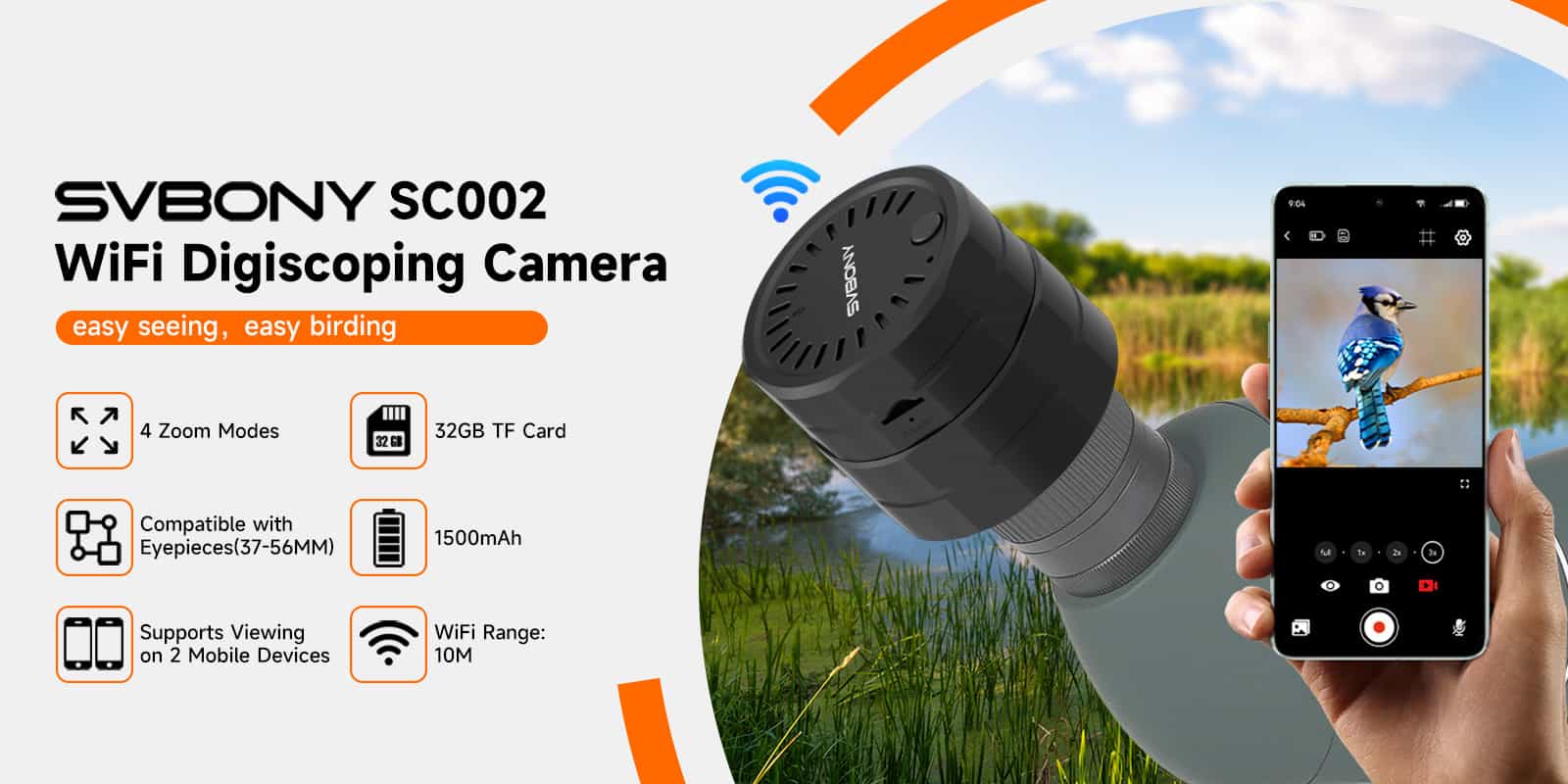
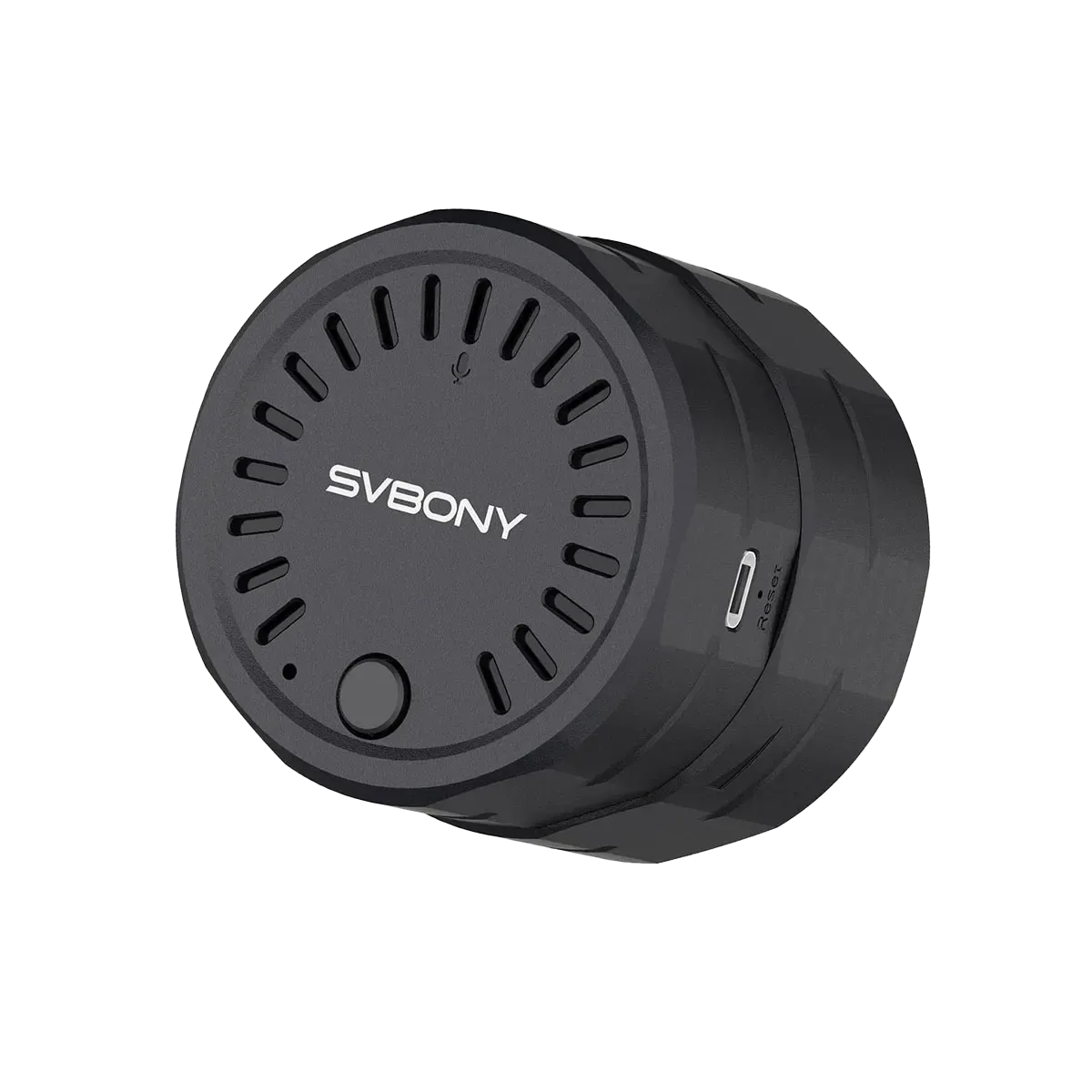
SC002 WiFi Digiscoping Camera

Zoom Function

SC002 wifi spotting scope camera supports the zoom function, with Full, 1X, 2x, and 3x, total 4 different effects available for viewing. Since the clarity of the picture is reduced after digital magnification /zoom, the saved picture is the clearest original picture.
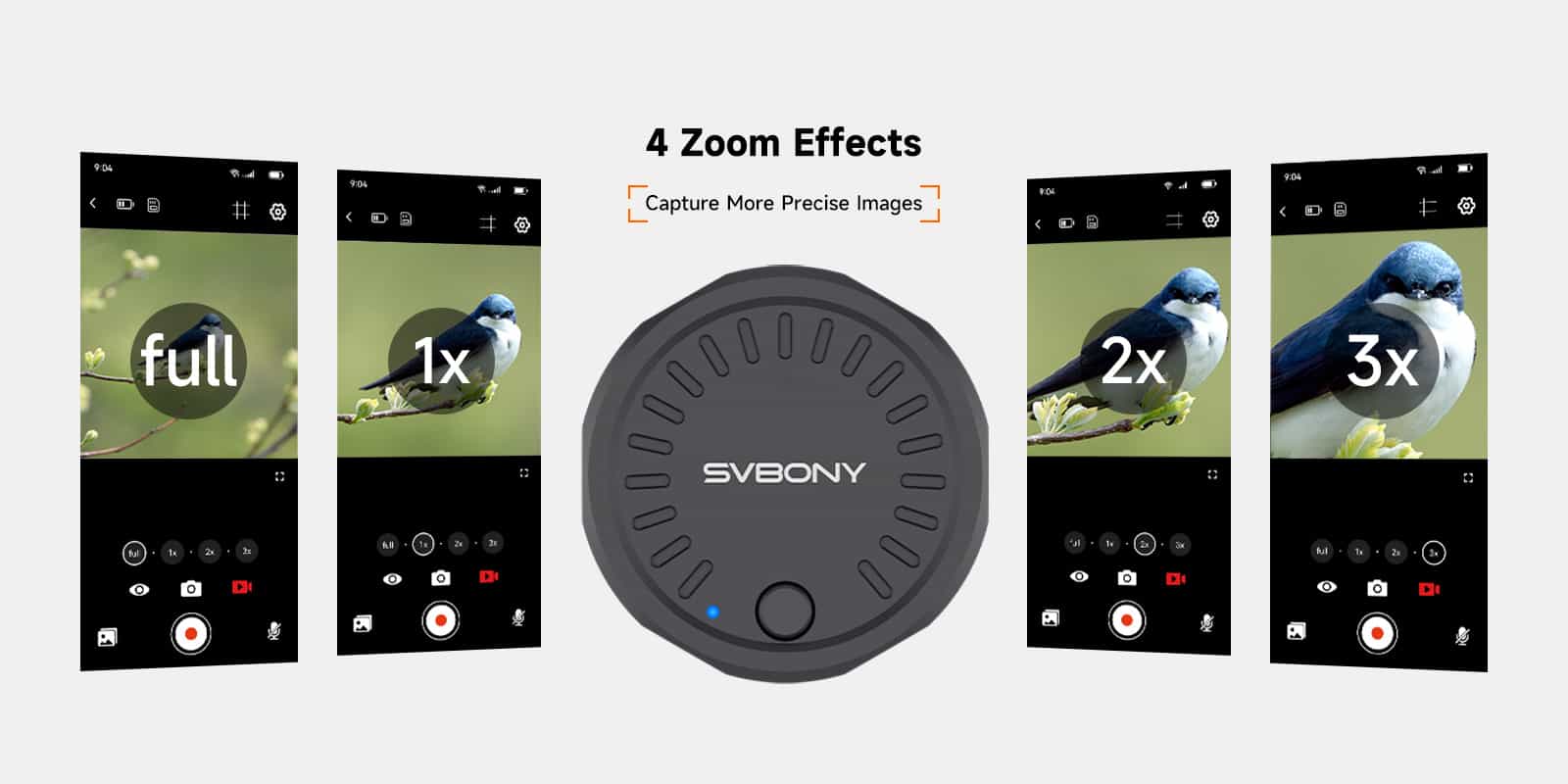
SC002 wifi camera zoom function

SVBONY Cam APP

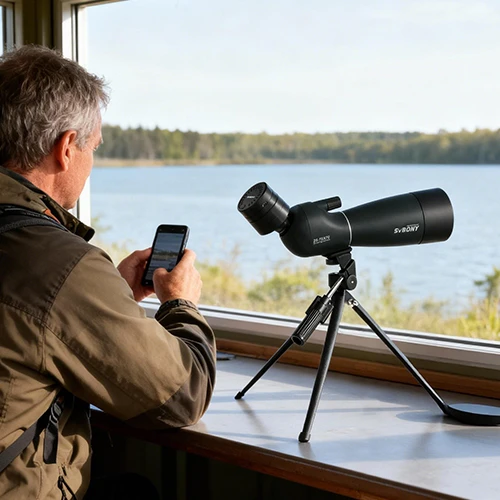
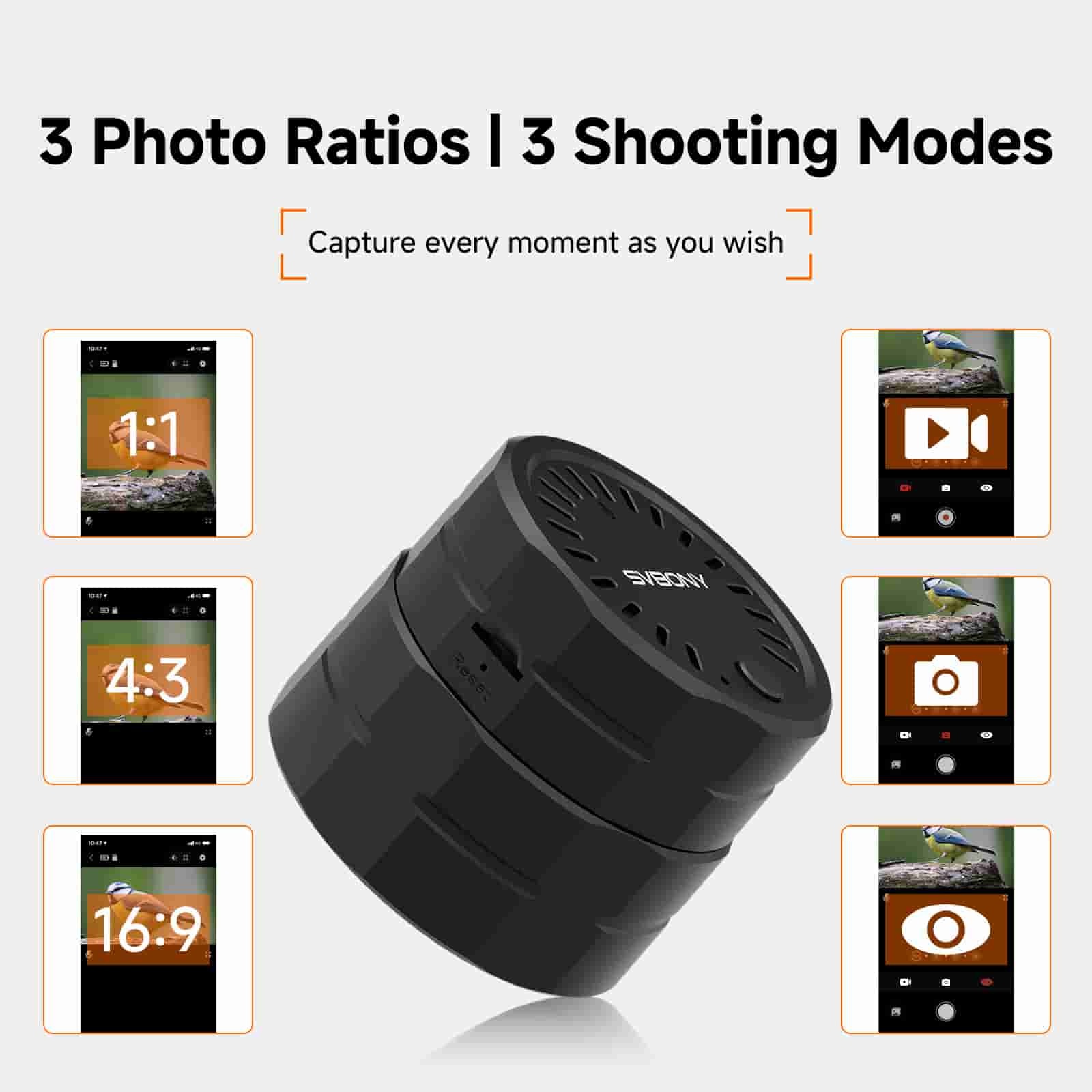
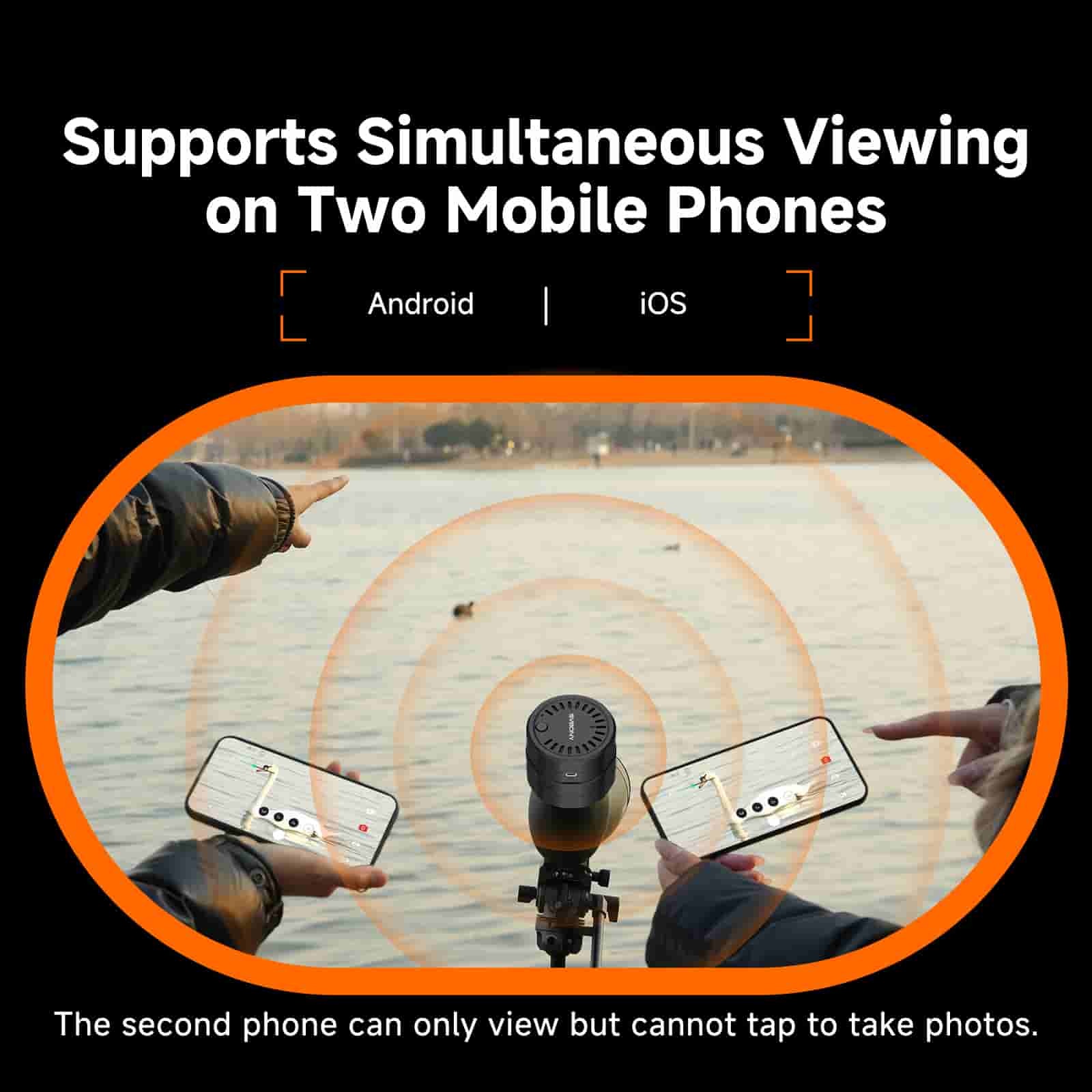
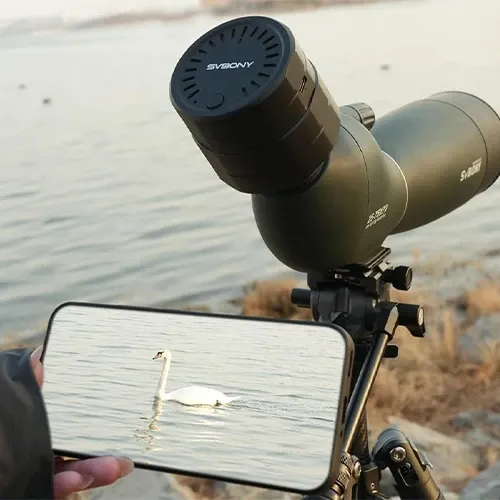
SVBONY Cam is a free software application that can be downloaded from Google Play or Apple App Store. Users can connect SC002 and SC001 on the phone or tablet to view the observed images, or save photos or videos to the built-in TF card of the SC002 wifi electronic eyepiece camera, and then easily download the captured pictures/videos to share on social media and share with different friends in real time.
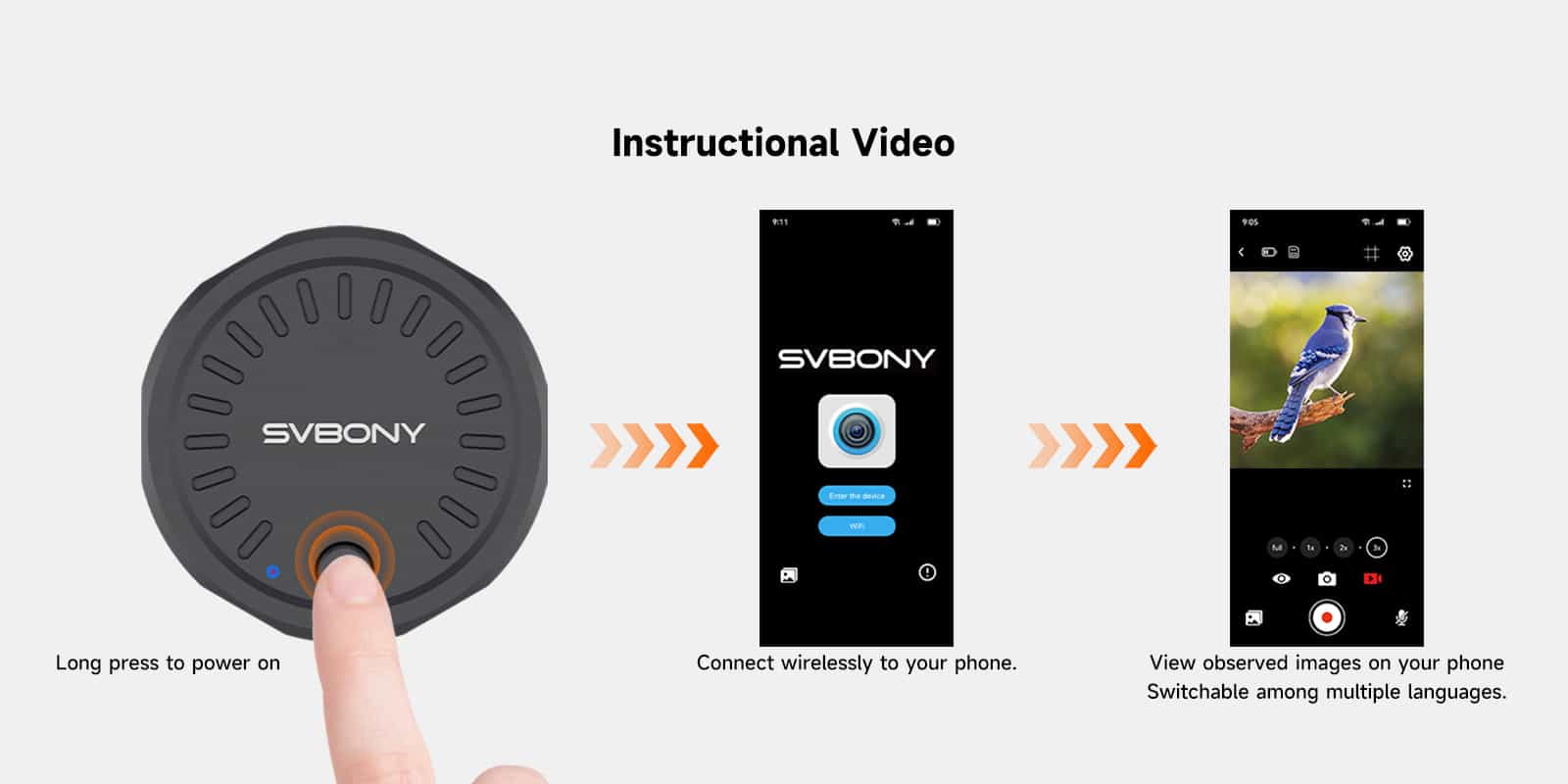
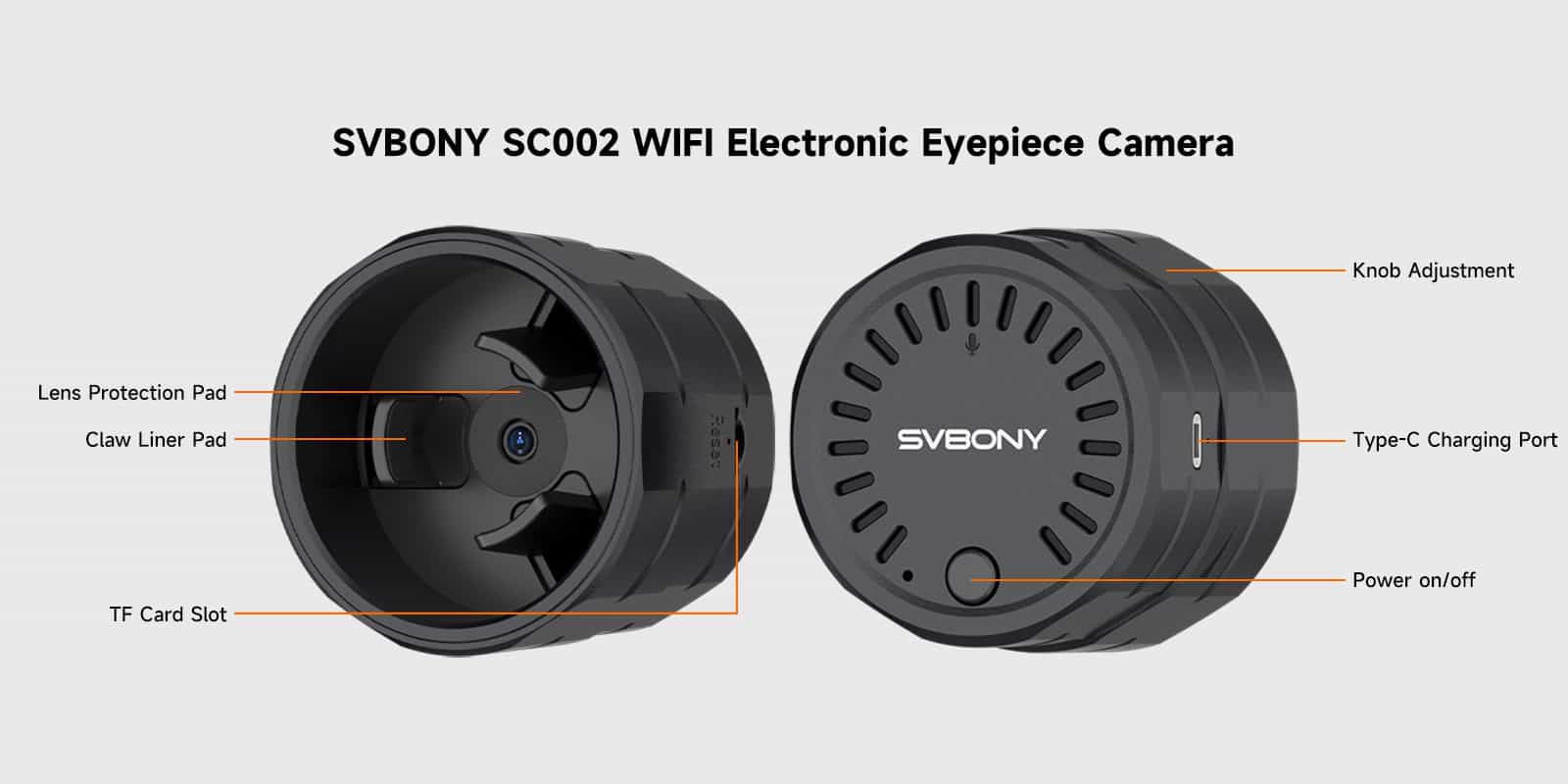
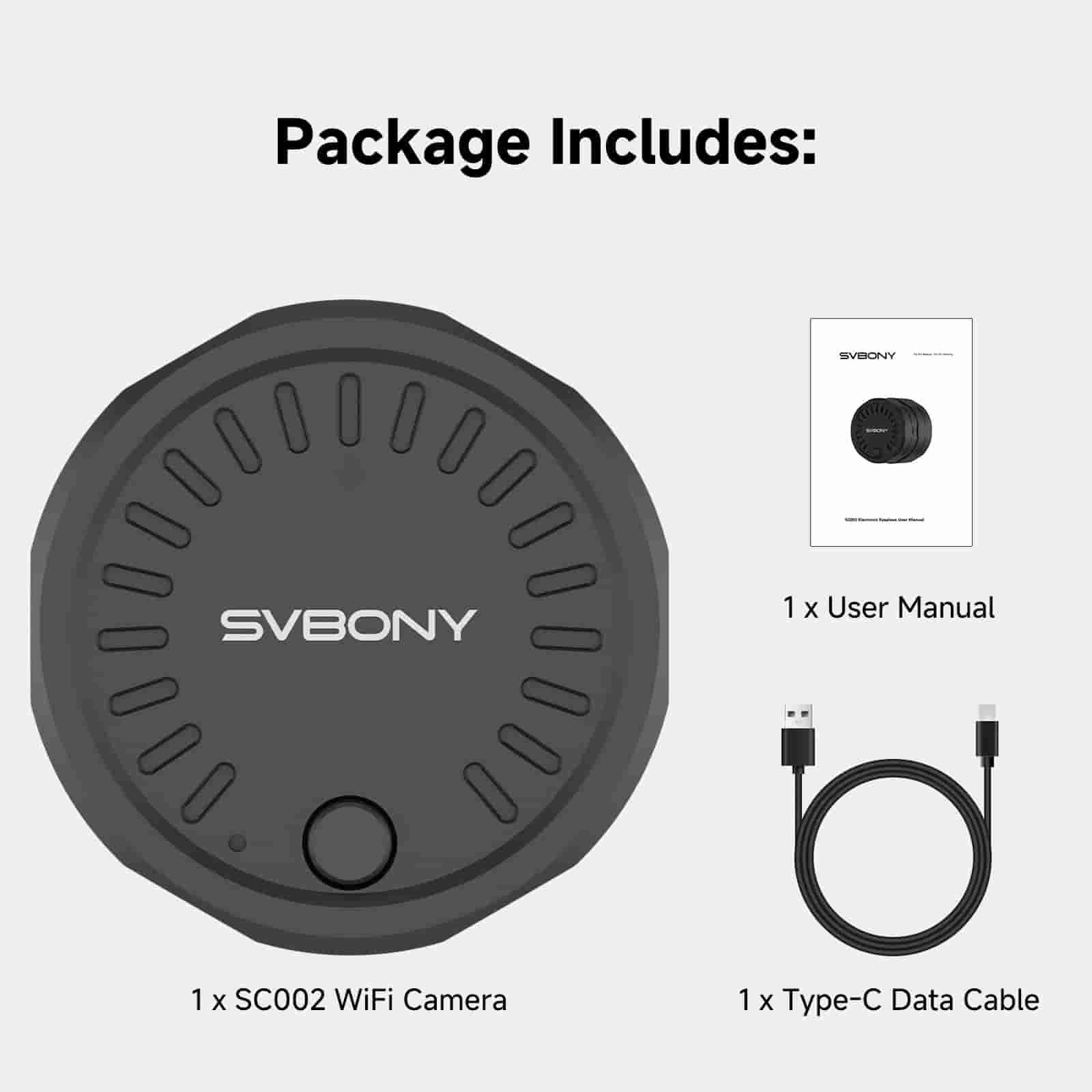
SC002 wifi camera

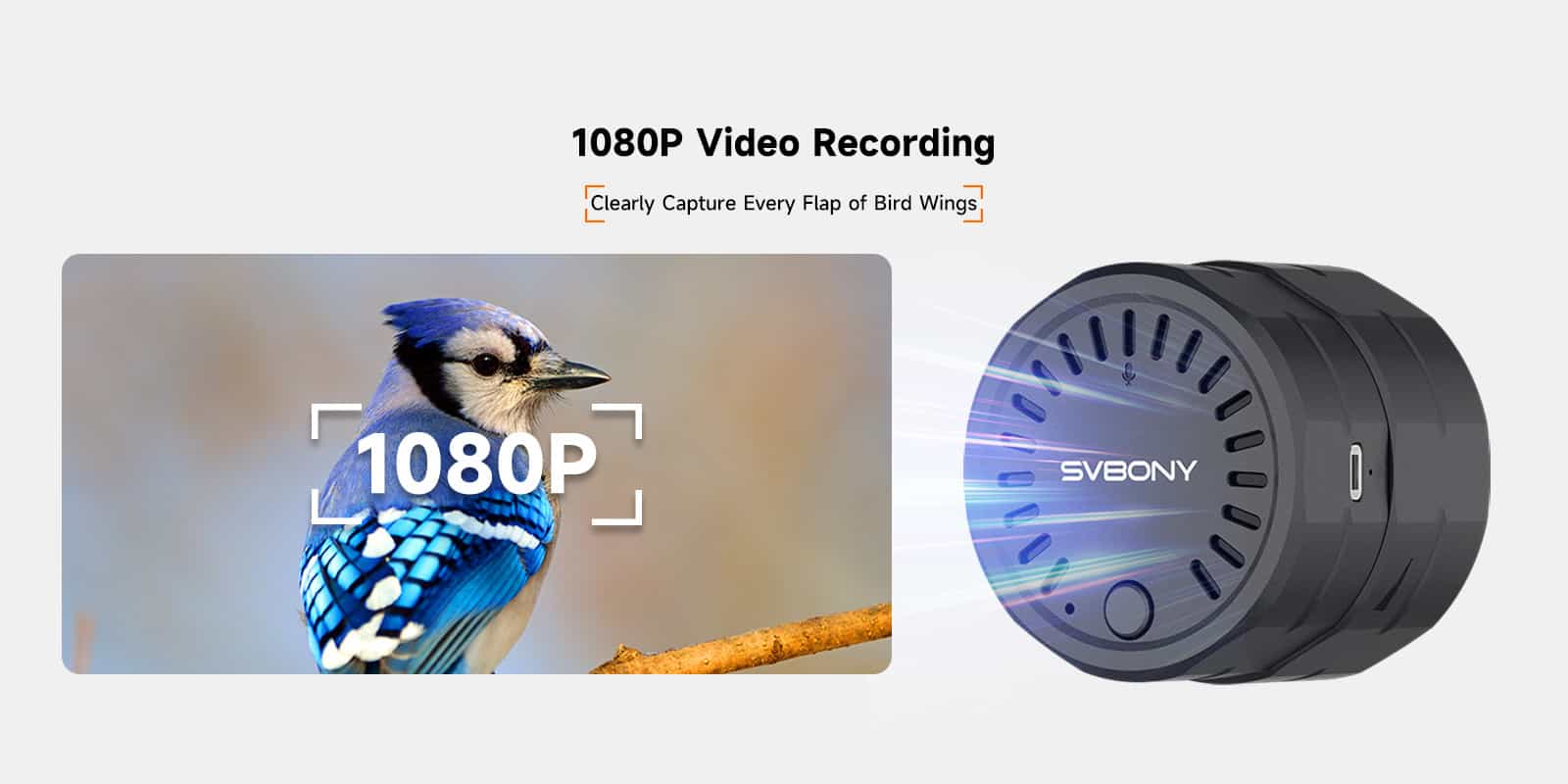
SC002 wifi camera 1080P

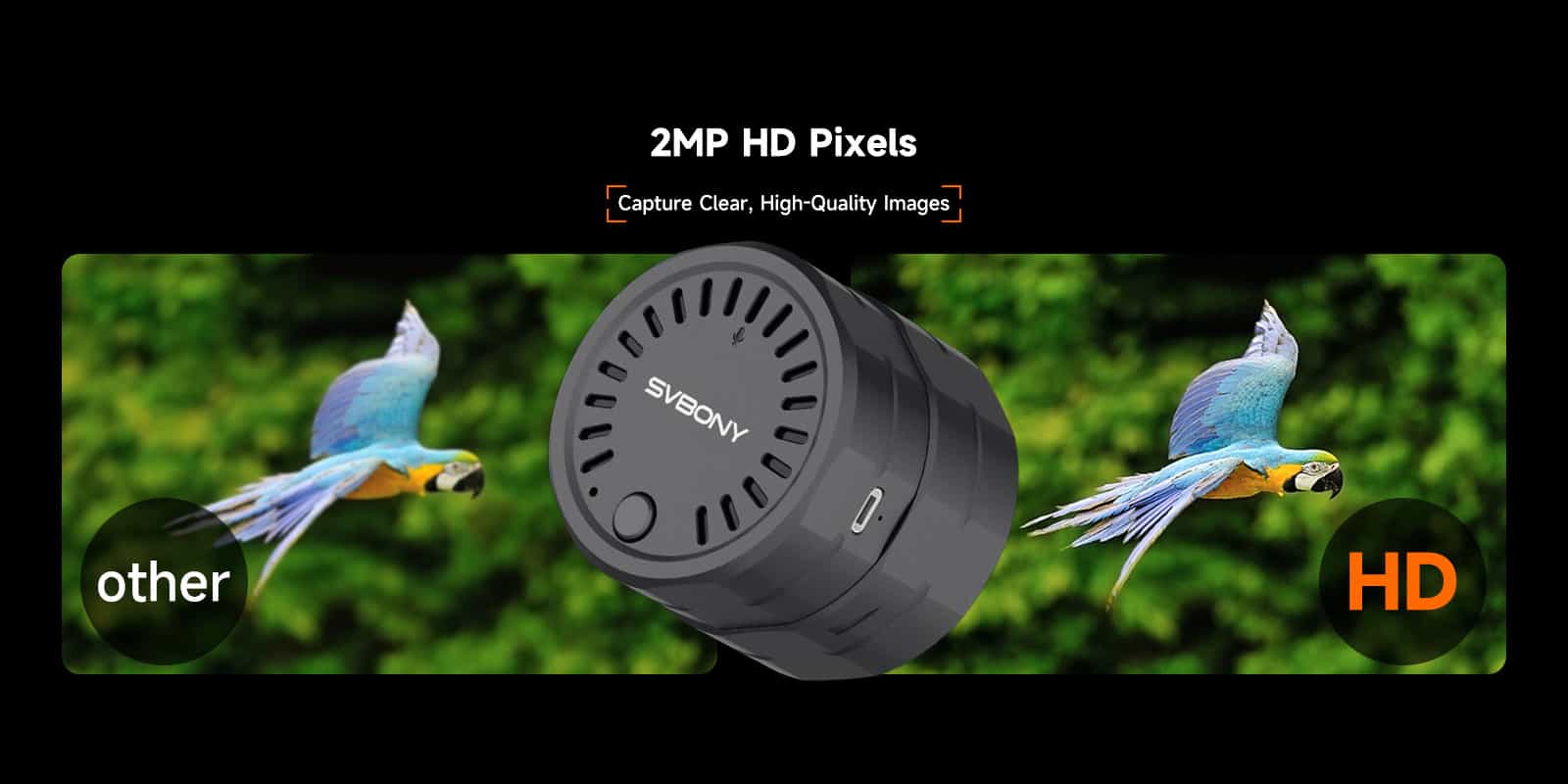
sc002 wifi camers 2mp hd pixels

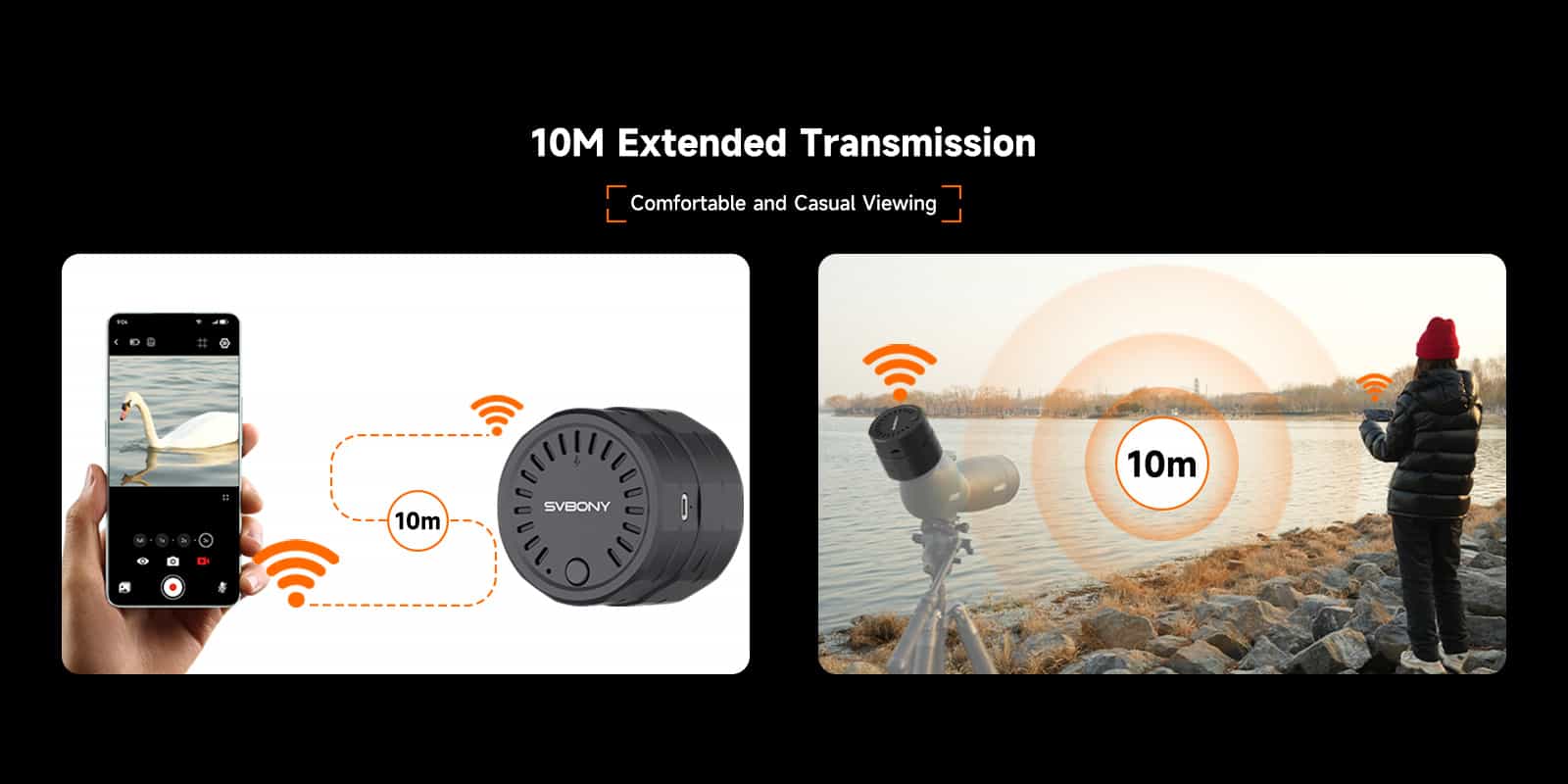
sc002 wifi camera 10M Extended Transmission

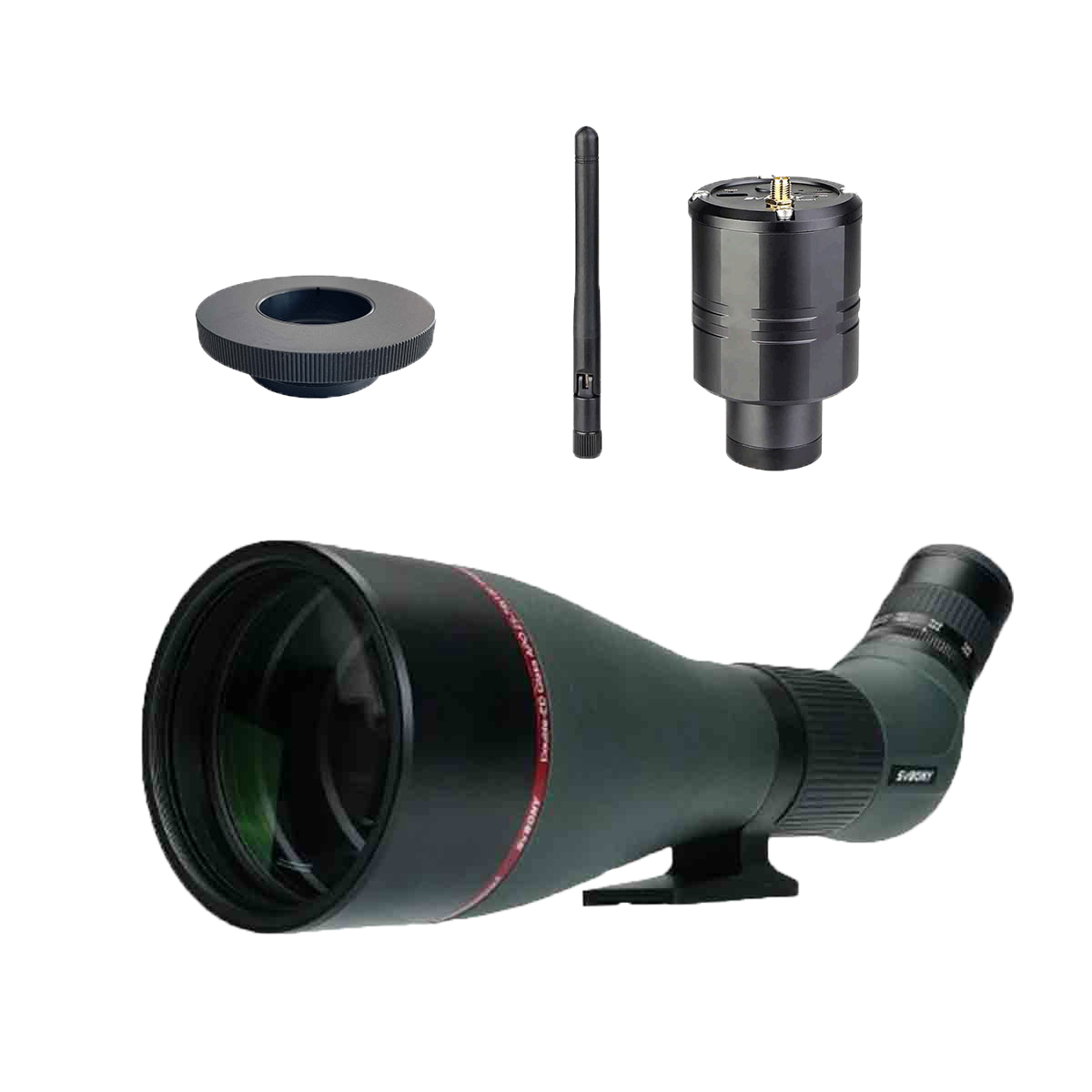
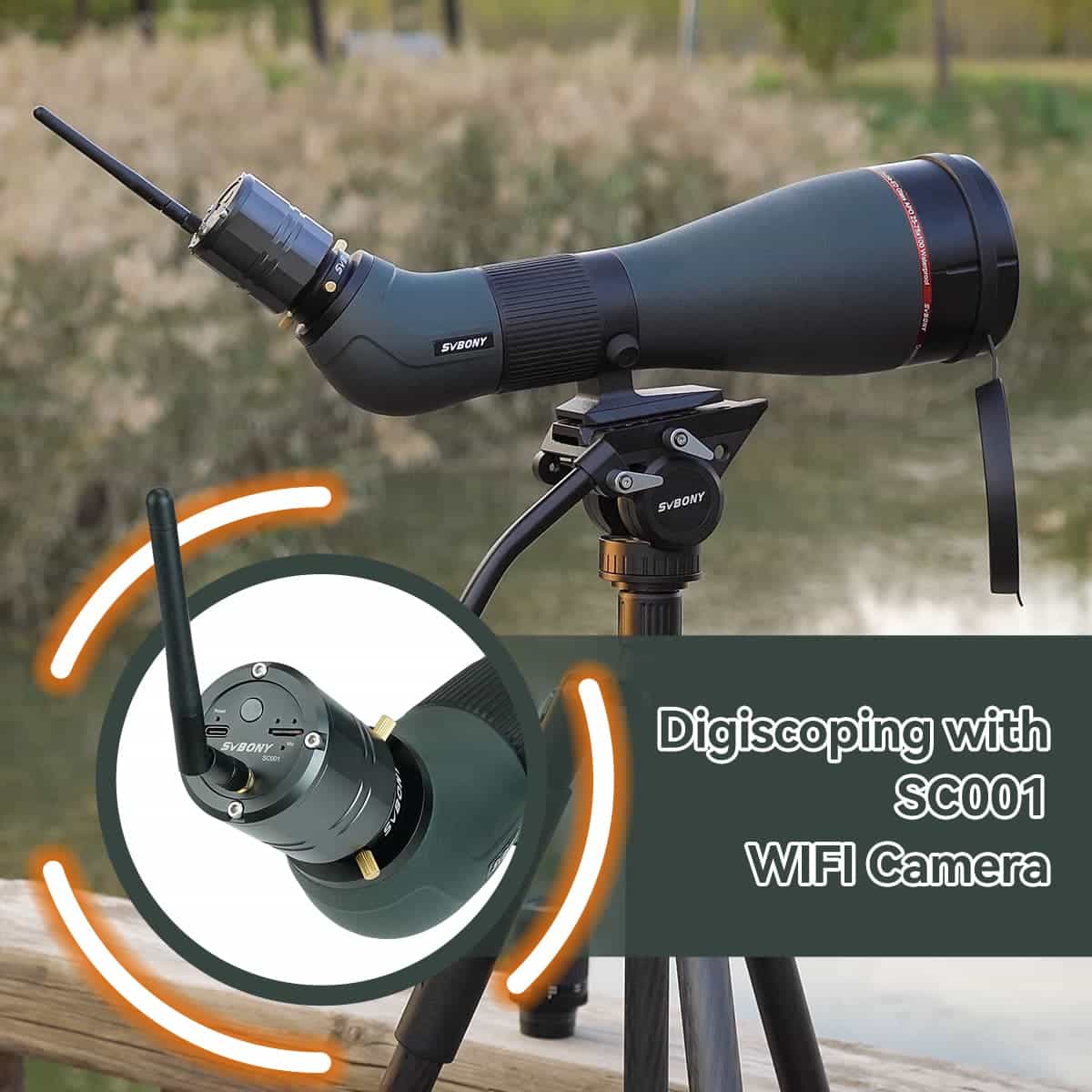
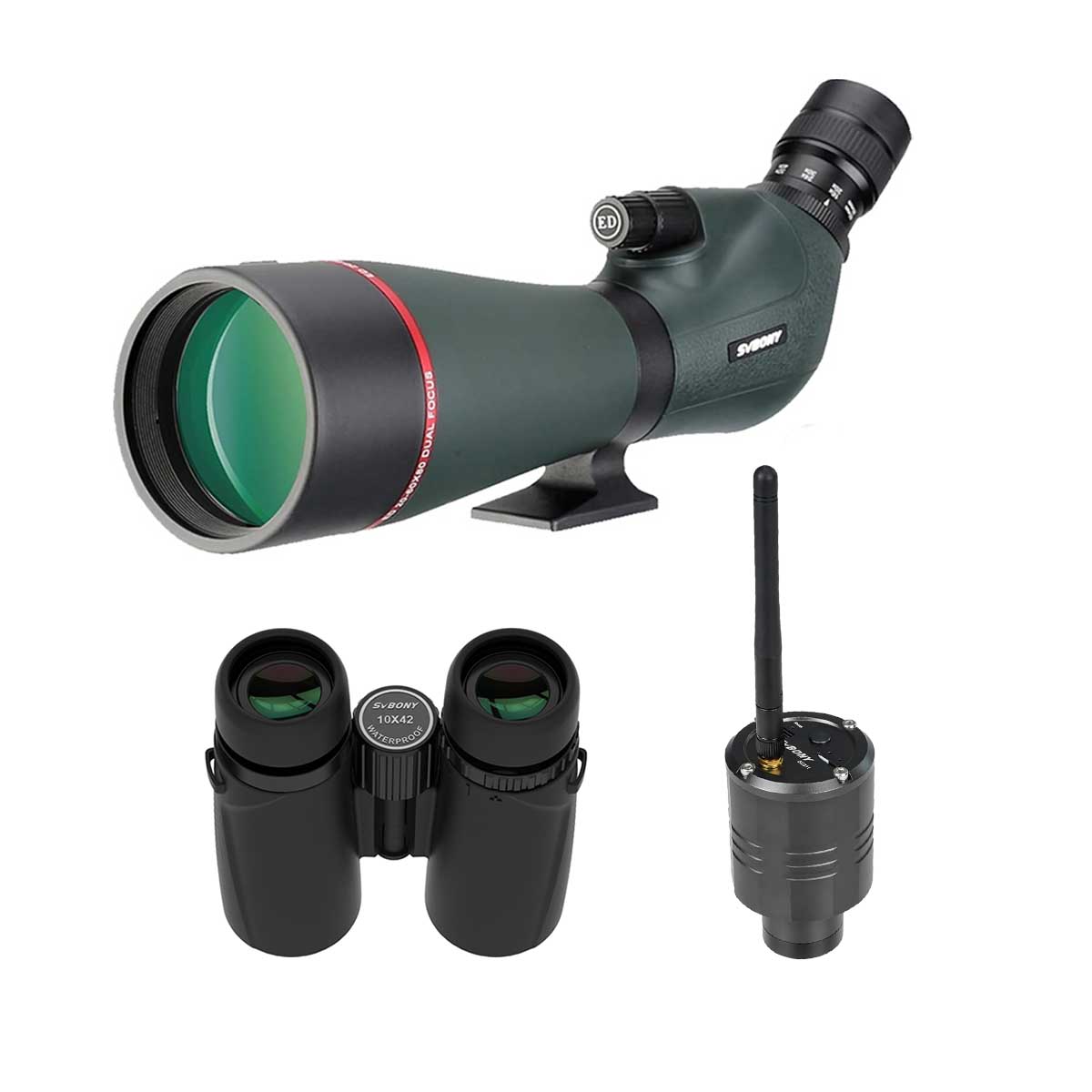
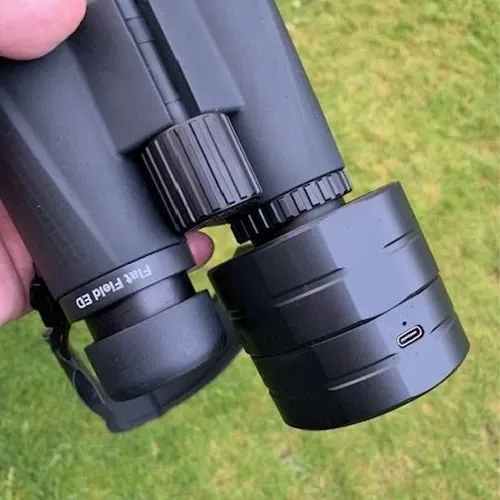
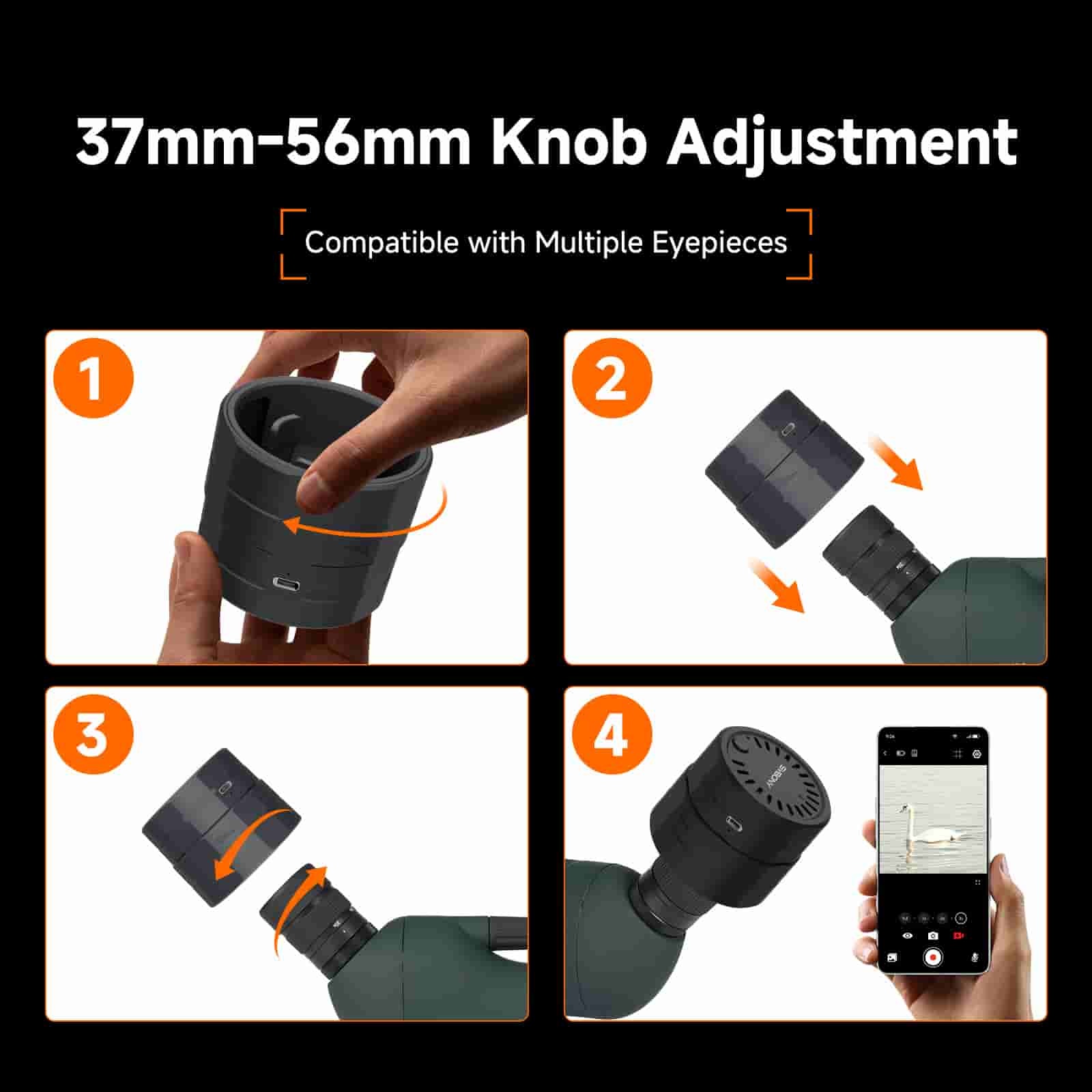
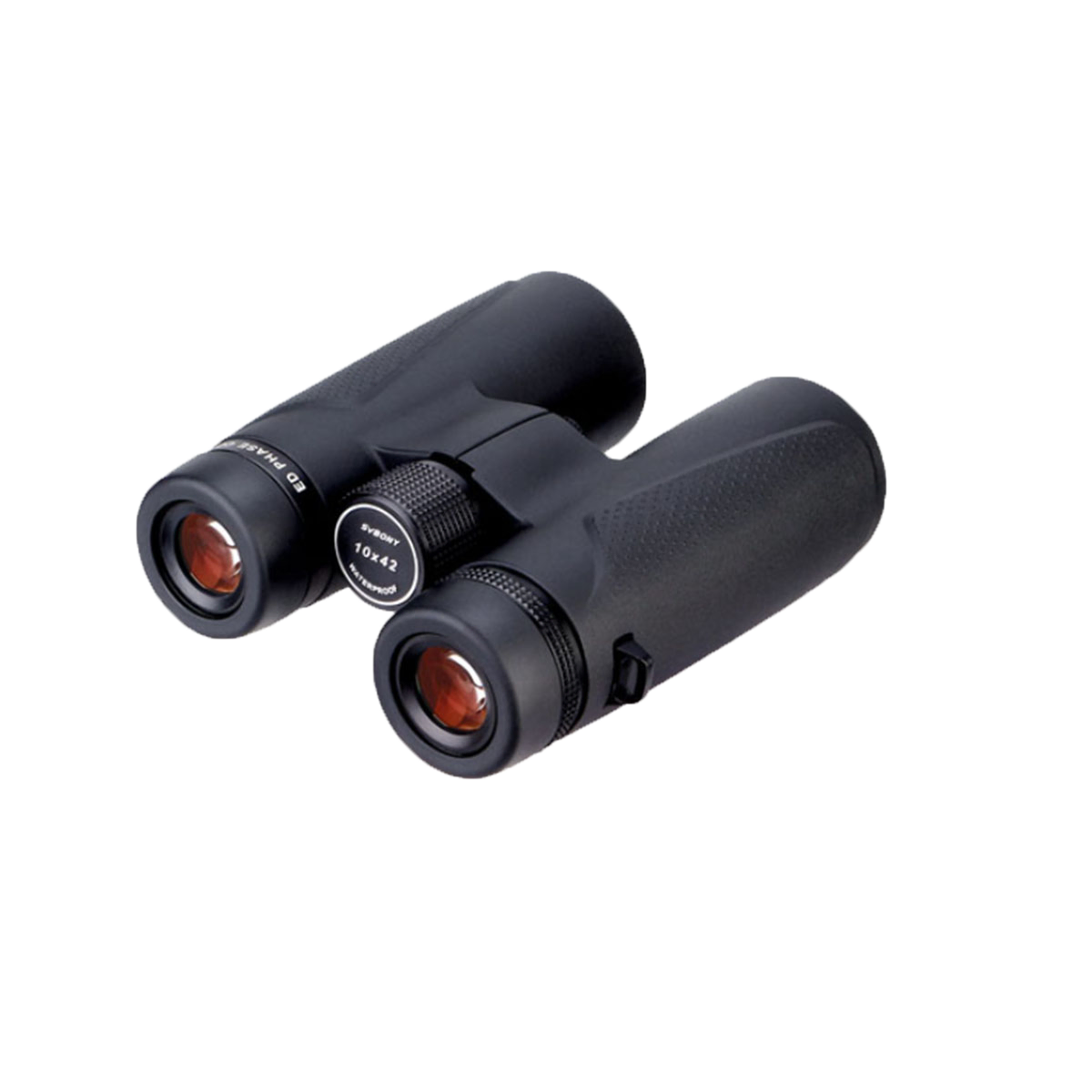
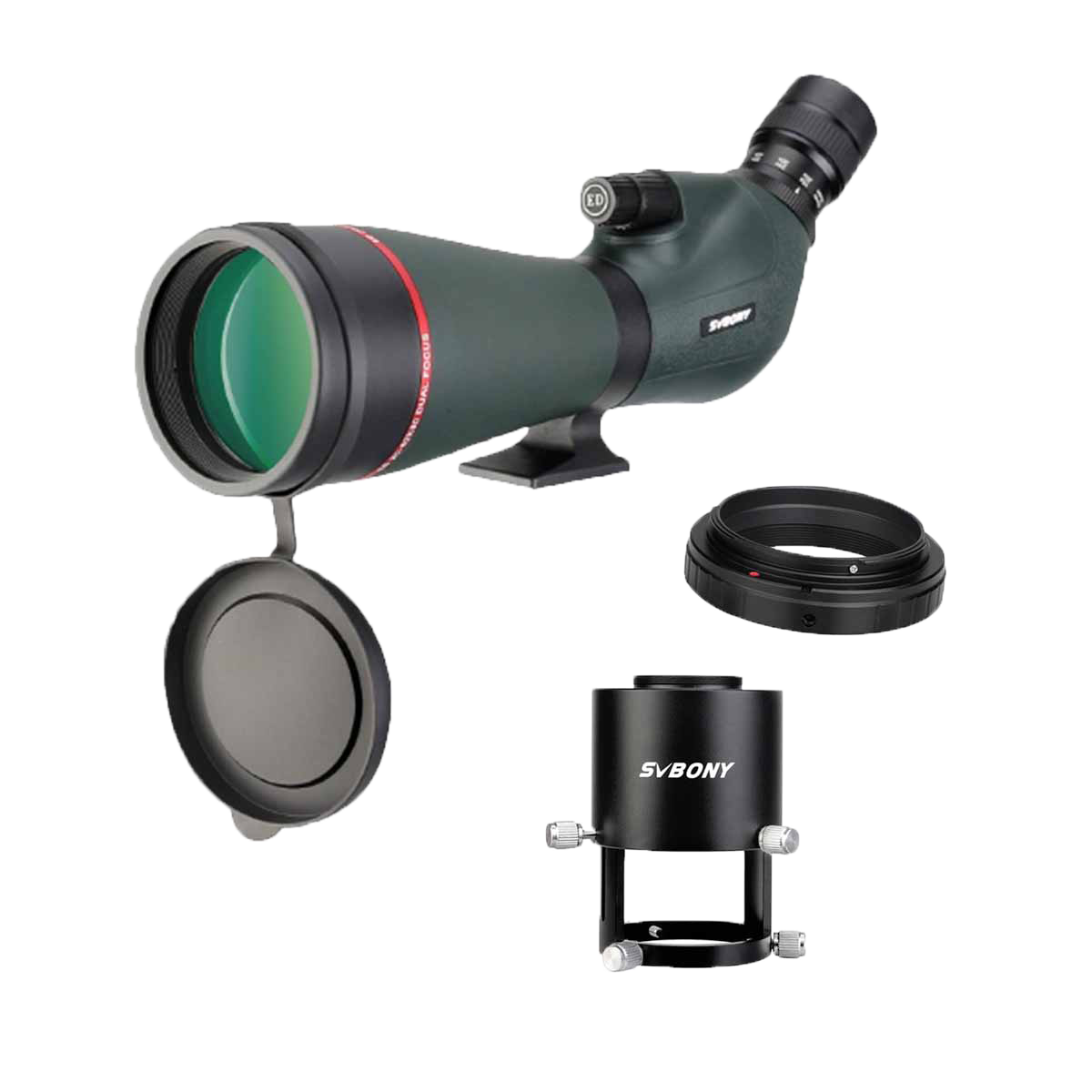
Can be paired with SV28, SV28PLUS, SV13
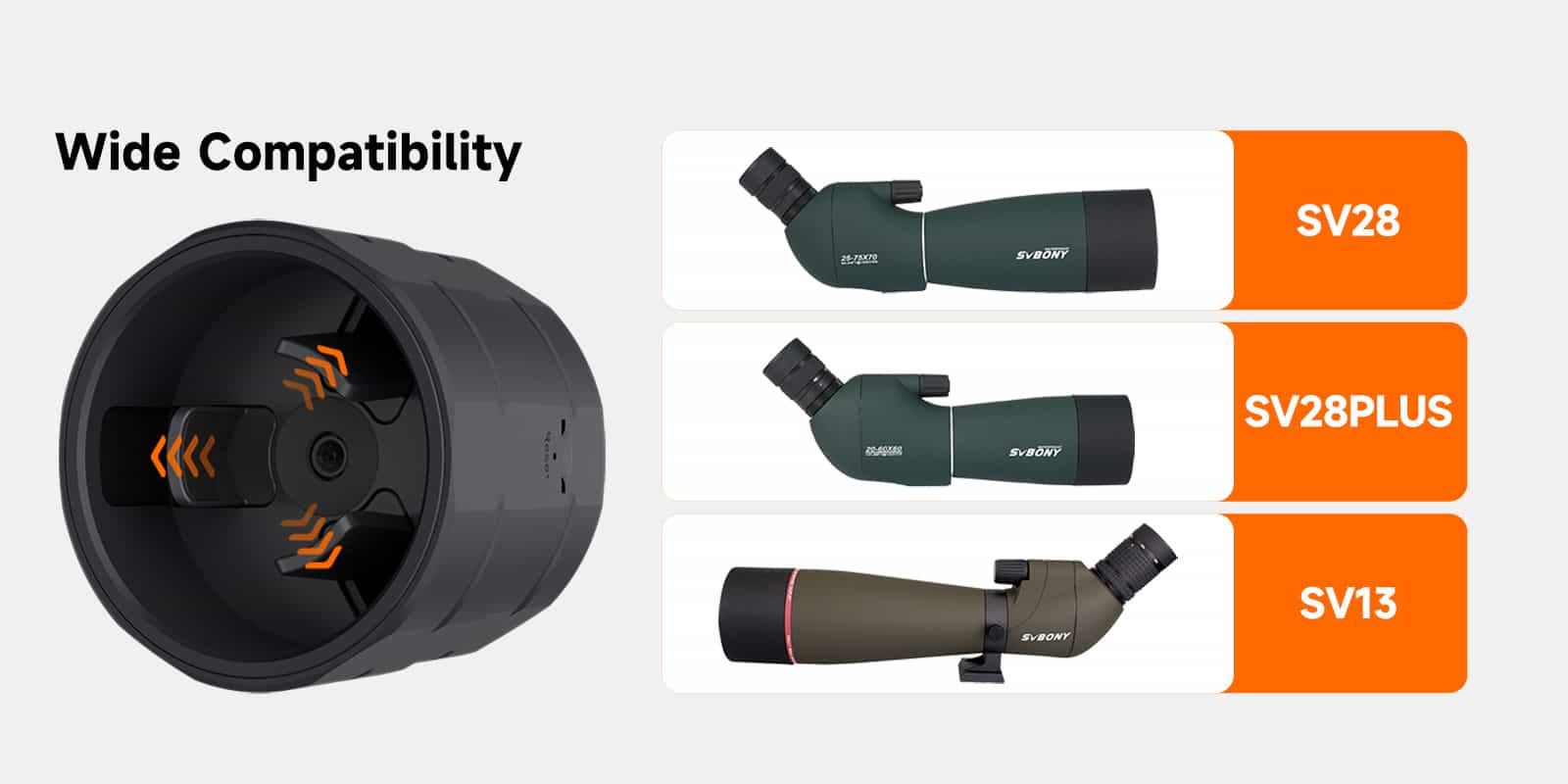
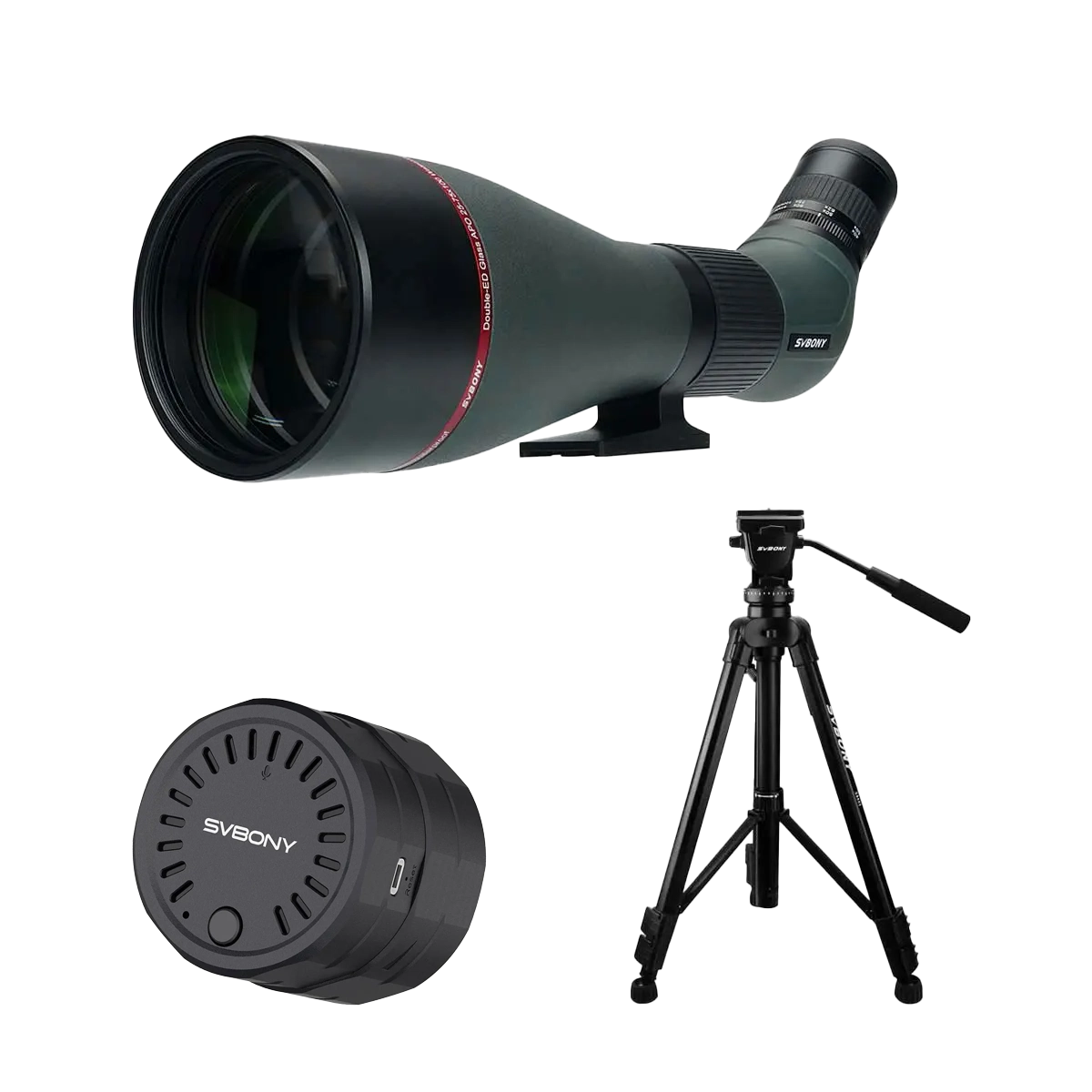
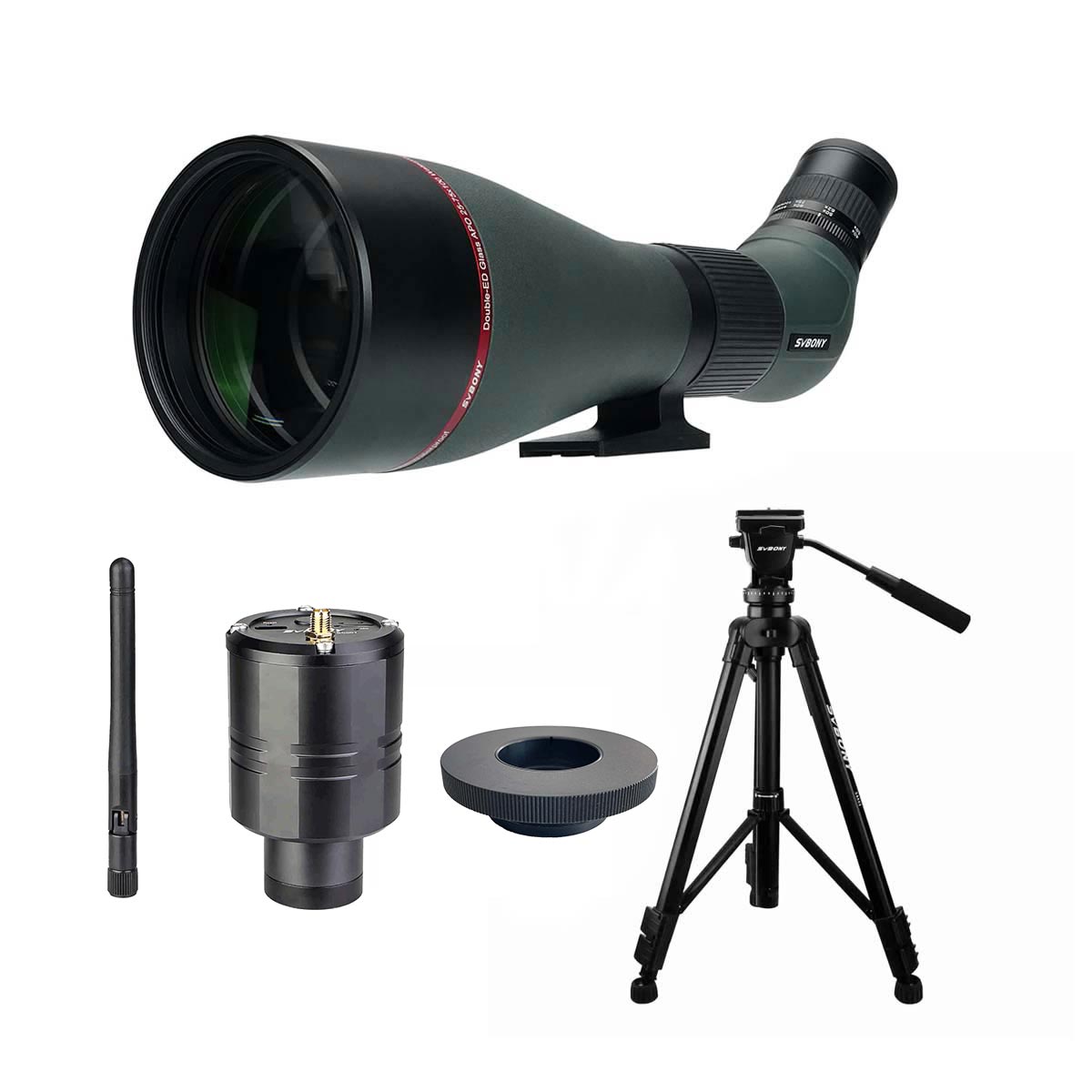
sc002 wifi camera Combination

sc002 wifi camera

Customer Reviews

Customer Reviews

0
Based on __COUNT__ reviews
Quality
Ship
Other

All Reviews

Loading...
Model

SC002

Image Sensor

CMOS

Total Pixels

2 Mega Pixels

Max Resolution

1920×1080

Sensor Size

1/2.7”

Pixel size

3µm x 3 µm

Wifi module

2.4G,150Mbps

WiFi Transmission Range

10 meters/33 feet

Data Cable

Type-C Charging Data Cable

Brightness

Adjustable manually, 0-100(Initial 50)

Battery Type

Polymer Lithium Battery

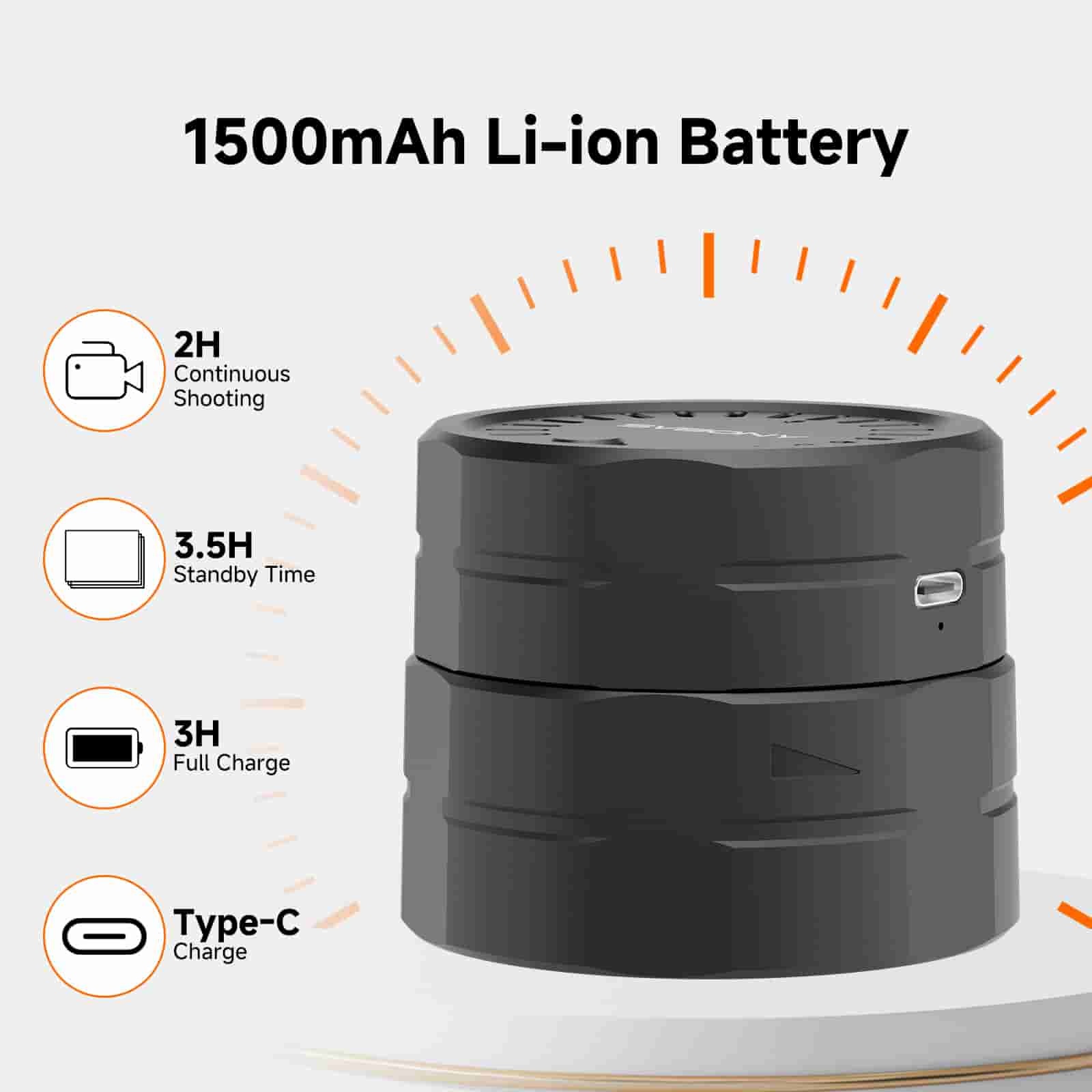
Battery Capacity

1500 mAh

Video Output Format

MP4

Video Frame Rate

25-30fps(Auto)

Image Output Format

JPG

App Supported Languages

English, French, German, Italian, Spanish, Russian, Japanese, Portuguese, Korean

Color

Black

Material

ABS Plastic

Storage Card

32GB TF Card

Encoding Format

H.264

Working Humidity

20%RH-80%RH

Storage Humidity

20%RH-95%RH

Operating Temperature

-10°C~50°C

Storage Temperature

-20°C~60°C

Troubleshooting Common SC002 WiFi Camera Issues
Our SC002 WiFi camera is designed for seamless use, but occasionally, permissions or minor bugs can cause hiccups. Here are solutions to the three most asked questions:
Q1. "Unable to Open Camera"
Cause:App permissions are blocked by your phone, or a temporary software glitch.
Fix:
Check permissions:
Android: Go to Settings > Apps > Svbony Cam > Permissions. Enable Audio (and other requested permissions).
iOS: Go to Settings > Svbony Cam > Enable Audio & Location.
Still stuck? Restart the SC002 camera (power off and turn back on).
Q2. "Unable to Take Photos/Videos"
Cause:You accidentally denied Storage/Album access when the app first requested it.
Fix:
Grant album permissions manually:
Android: Settings > Apps > Svbony Cam > Permissions > enable Storage.
iOS: Settings > Svbony Cam > enable Photos Access.
Reopen the app.
Q3. "IP Address Stuck, Can’t Change"
Cause:You denied Location/GPS permission during setup (needed for network configuration).
Fix:
Enable location access:
Android: Settings > Location > enable for Svbony Cam.
iOS: Settings > Privacy > Location Services > Svbony Cam > set to "While Using".
Restart the SC002 camera.


Why Do These Errors Happen?
The Svbony Cam APP requires three key permissions at first launch:
Location (for network/IP setup),
Audio (for audio features),
Storage (for photos/albums).
Most of the issues occur if any permission is denied. If all permissions are enabled but problems persist:
Restart the SC002 camera → fixes most software bugs.
No need to reinstall the app!
Pro Tip: Always allow permissions during initial setup. 

Spotting Scope Camera

SC002_User_Manual
14.53 MB pdf

Related Products

Compare
The file link will be sent to your mailbox via email